How to Sell Event Tickets Online in Pakistan (2026): JazzCash, Easypaisa & QR Entry Compared
Sell event tickets online in Pakistan without the screenshot chaos: PKR pricing, JazzCash/Easypaisa checkout, and an honest fee comparison — PakCreator 5% vs PassGhar first-50-free then 8% vs TikkitX subscriptions — plus QR entry explained.
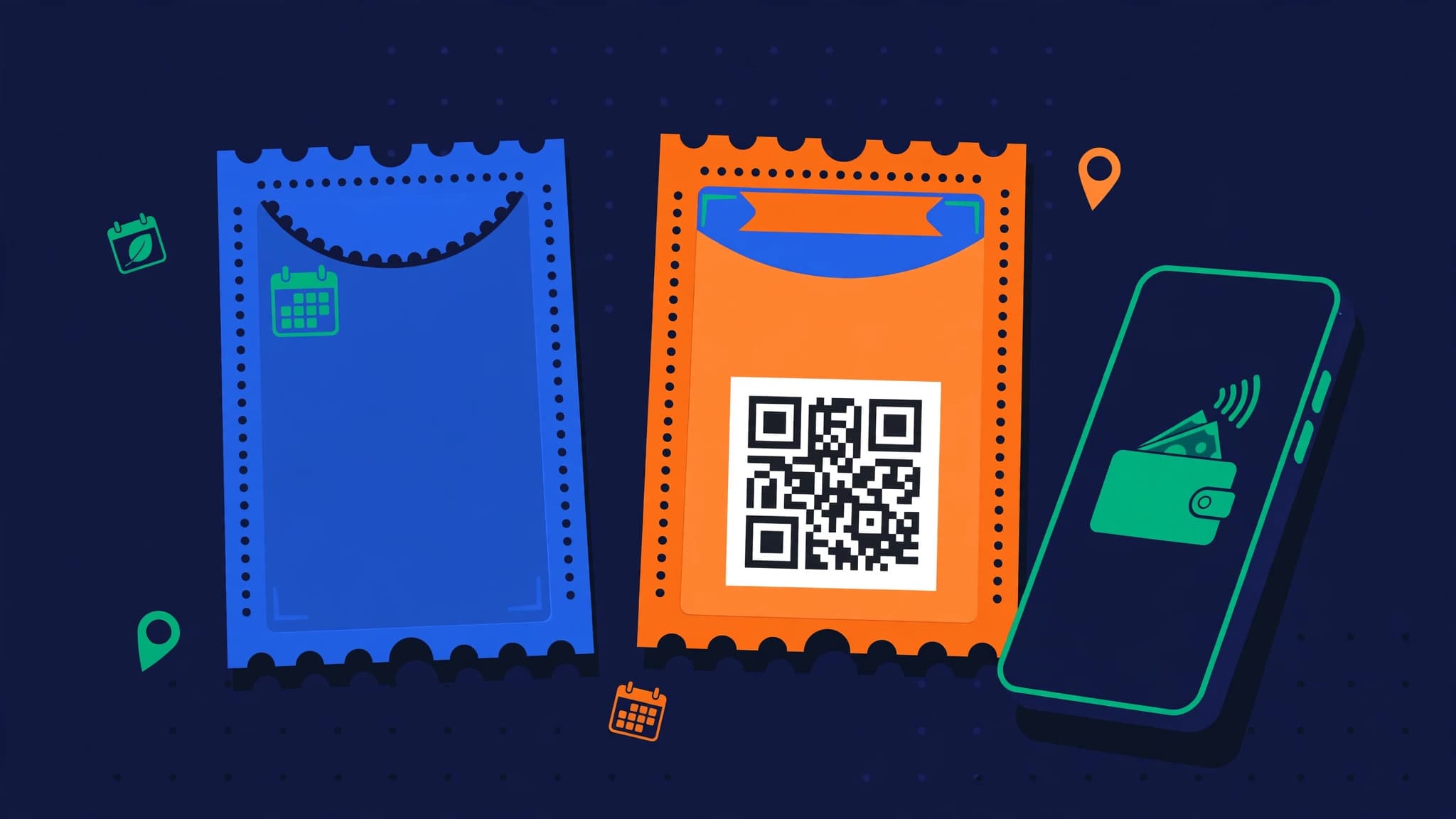
How to Sell Event Tickets Online in Pakistan (2026): JazzCash, Easypaisa & QR Entry Compared
You are running a workshop, a paid meetup, a training session, a comedy night, or an online class. The event is the easy part. Selling the tickets is where Pakistani organisers bleed time: DMing a JazzCash number, collecting payment screenshots, confirming each one by hand, keeping a list in a notebook, and praying nobody forwards a screenshot to a friend.
There is a better way — several, actually. Pakistan now has real online ticketing options, from creator platforms to dedicated event tools with QR entry. The right choice depends on one thing: are you a creator selling seats to your own audience, or a venue selling hundreds of tickets to the public?
This guide is written for the first group — creators, trainers, coaches, and community builders running small to mid-size events. It covers how online ticket selling works in Pakistan, what to charge, an honest fee comparison (including where a competitor beats the option we recommend), and a step-by-step setup on PakCreator, where buyers pay with JazzCash or Easypaisa and there is no monthly subscription.
The Old Way Is Costing You Sales
The screenshot method — "send payment to this JazzCash number and WhatsApp the screenshot" — fails in predictable ways:
- Buyers drop off. Every extra step between "I want to come" and "I have a ticket" loses people. Leaving Instagram, opening a banking app, typing a number, screenshotting, and sending it on WhatsApp is five steps too many.
- You cannot tell real payments from forwarded screenshots. One screenshot, three people at the door. It happens at every second event in Pakistan.
- There is no attendee list. Names live in chat threads. Headcounts, reminders, and last-minute venue changes become an evening of manual messaging.
- No-shows you cannot fix. Without a proper ticket and a reminder, a chunk of your "confirmed" guests simply forget.
An online ticket page fixes all four: the buyer pays in one flow, the payment is verified by the system — not by your eyes — and you get a real list of who is coming.
Which Events Sell Well Online in Pakistan?
Almost anything with limited seats and a clear promise:
- Workshops and trainings: photography, freelancing, digital marketing, baking, makeup — half-day or full-day, 20–50 seats
- Paid meetups and community events: creator meetups, book clubs, startup and tech community gatherings
- Online classes and webinars: a paid Zoom or Google Meet session — the "ticket" is paid access, delivered by link
- Comedy, music and open-mic nights: small venues, 50–150 seats
- Coaching and fitness sessions: paid group sessions, challenges, and bootcamps
- Conferences and expos: possible online too, though at this scale a dedicated ticketing platform usually fits better — more on that below
How to Price Event Tickets in PKR
Price for your audience and your costs — venue, food, materials — then sanity-check against what similar Pakistani events charge:
| Event type | Typical PKR ticket | Notes |
|---|---|---|
| Community meetup | Rs 500 – Rs 1,000 | Often covers venue + tea; keep it impulse-level |
| Online class / webinar | Rs 999 – Rs 1,999 | No venue cost, so margin is almost all yours |
| Half / full-day workshop | Rs 1,500 – Rs 3,500 | Higher when materials, certificate, or lunch are included |
| Comedy / music night | Rs 1,000 – Rs 2,500 | Early-bird tier helps fill the room early |
| Premium training / bootcamp | Rs 4,999 – Rs 9,999 | Small seats, high outcome — price the result, not the hours |
Two tactics that work everywhere: an early-bird price that rises as the date gets close (it pulls sales forward and tells you early whether the event will fill), and a pair or group ticket — people attend events with friends, and a small bundle discount fills seats faster than solo tickets alone.
Worked example: a 40-seat workshop
Say you run a full-day workshop at Rs 2,000 a ticket and sell all 40 seats:
- 40 × Rs 2,000 = Rs 80,000 in ticket sales
- On PakCreator at 5% commission = Rs 4,000
- You keep Rs 76,000, paid out weekly to JazzCash, Easypaisa, or your bank — no monthly subscription paid in the months you run no event at all
Hold that example. We will run the same maths against the other platforms in the comparison below, because the cheapest option genuinely changes with your event size.
How to Sell Tickets on PakCreator — Step by Step
PakCreator is Pakistan's first creator monetization platform. Events is one of its live apps, alongside digital products, courses, and AutoDM — so your tickets sit in the same store as everything else you sell. Buyers pay with Easypaisa or JazzCash, and the commission is 5% on sales, with no card required to start.
- Create your store at pakcreator.com — sign up with Google or email and claim your username. Your page is live in minutes.
- Turn on Events and create your event: title, date and time, venue (or "online" with the session link kept private until payment), a clear description of what attendees will learn or experience, and your ticket price in PKR. Add an early-bird price if you are using one.
- Set your seat limit. A real limit matters: it stops overselling, and "only 40 seats" is honest urgency that helps sales.
- Share one link everywhere. Your event link goes in your Instagram bio (or SuperLink), Stories, WhatsApp groups, and community chats. One link, one checkout — no "DM for details".
- Buyers pay with JazzCash or Easypaisa in the checkout flow. You see every confirmed order in your dashboard — that is your attendee list, built automatically, with no screenshot-checking.
- Manage the door with your list. On the day, check attendees against your confirmed orders list as they arrive and mark them in. Send ticket holders a reminder message the day before — it cuts no-shows more than any other single step.
- Get paid weekly. Earnings transfer to your JazzCash, Easypaisa, or bank account on PakCreator's weekly payout cycle.
For online events, the flow is even simpler: the buyer pays, and you send the private session link to confirmed attendees from your list — only paid names get the link.
Fill the Room With Instagram AutoDM
A ticket page nobody sees sells zero seats. Your audience is on Instagram, so sell where they already are:
- Post a Reel about the event — what will happen, who it is for, one result from your last session if you have run one before.
- End with one instruction: "Comment TICKET and I will send you the booking link."
- AutoDM automatically sends your event page link to everyone who comments. They open it, pay with JazzCash or Easypaisa, and they are on your attendee list — while you do nothing by hand.
- Use the countdown. Stories with a countdown sticker, a "10 seats left" update from your real sales numbers, and a final reminder on the last early-bird day. Real scarcity, honestly reported, is the strongest ticket seller there is.
Full AutoDM setup, keyword rules, and templates are in our guide to Instagram AutoDM in Pakistan.
Ticketing Platforms in Pakistan — Honest Comparison
Here is where creator platforms and dedicated ticketing tools genuinely differ. Fees and plans checked in October 2026 — confirm before you commit, as pricing pages change.
| Platform | Cost | How buyers pay | Entry / door | Best for |
|---|---|---|---|---|
| PakCreator | 5% per sale, no monthly fee | JazzCash / Easypaisa in checkout | Confirmed-order attendee list | Creators selling workshops, meetups, classes to their own audience |
| PassGhar | First 50 paid tickets per event free, then 8%; payouts in 3–5 business days | Online payment on platform | QR tickets + scanner app (works offline) | Public events where QR gate entry matters |
| TikkitX | Subscription: Starter Rs 2,499/mo, Growth Rs 6,666/mo, Pro Rs 10,833/mo; 0% of sales | Guests pay you directly by bank / JazzCash / Easypaisa and upload a screenshot; you approve, QR ticket is issued | QR tickets + door team links | Frequent organisers and venues running events every month |
| Bookme | Buyer-facing marketplace (organiser terms vary) | JazzCash / Easypaisa / cards | Platform e-tickets | Large public events that need marketplace discovery |
Run the workshop maths again, honestly
Our 40-seat, Rs 80,000 workshop on each platform:
- PakCreator: 5% = Rs 4,000. You keep Rs 76,000.
- PassGhar: all 40 tickets fall inside the first-50-free allowance, so the platform fee is Rs 0 on this event. For a one-off public event under 50 paid tickets, that is genuinely cheaper — credit where it is due. Past 50 tickets, the 8% rate applies to the additional tickets.
- TikkitX: 0% of sales, but the subscription is Rs 2,499–Rs 6,666 for the month — cheaper than 5% on Rs 80,000 only if you are on the Starter plan and its 3-event / 150-guest limits fit you, and it costs you that fee even in a month where your event cancels. Note the payment flow is still screenshot-based: guests pay you directly and upload proof, which you approve before the QR ticket is issued.
So why do creators still pick PakCreator? Because an event is rarely their only income. The same store sells their presets, templates, and course the other 29 days of the month, the same AutoDM that fills the workshop also sells the products, and the audience they collect stays theirs. If you only ever run public events with a door to manage, a dedicated tool like PassGhar or TikkitX is built for you. If events are one line in a creator business, one platform for everything wins. If you are comparing creator stores more broadly, see our guide to Stan Store alternatives that pay in PKR.
QR Entry — Do You Actually Need It?
QR tickets shine when hundreds of strangers arrive at a gate in thirty minutes. For a 30-person workshop where you know most attendees by name, a printed or phone-based attendee list is honestly enough — and it is what most small events in Pakistan actually use.
The middle path many organisers use: sell and collect payment through your ticket page (so payments are verified and the list builds itself), then at the door, check names off the list and give a simple hand stamp or wristband for re-entry. You get 90% of the benefit — no fake screenshots, no payment chaos — with zero extra tooling. Graduate to QR scanning when your events outgrow a single door list.
5 Mistakes That Leave Seats Empty
- Selling by screenshot. The manual JazzCash-number method loses buyers at every step and lets fake confirmations in at the door. A ticket page is not a luxury; it is the funnel.
- Announcing once. One post is not a launch. Plan a sequence: announcement, early-bird reminder, speaker/topic teasers, seats-left updates, last-call. Most sales come in the first 48 hours and the last 48 hours — be present for both.
- No seat limit shown. Unlimited, uncounted tickets kill urgency and risk an overcrowded room. Set a real capacity and show it.
- Hiding the price until DM. "Price in inbox" makes buyers assume it is expensive. Show the ticket price on the event page, in PKR, up front.
- Forgetting the reminder. No-shows are usually forgetfulness, not fraud. A reminder the day before — time, venue pin, what to bring — is the cheapest attendance boost you will ever get.
Frequently Asked Questions
How can I sell event tickets online in Pakistan?
Create a ticket page on a platform that accepts local payments — for example an Event on PakCreator — set your PKR price and seat limit, and share the one link in your bio, Stories, and WhatsApp. Buyers pay with JazzCash or Easypaisa, and confirmed orders become your attendee list automatically. No website, merchant account, or manual screenshot-checking is needed.
What is the cheapest way to sell tickets?
It depends on your size. For a one-off public event with 50 or fewer paid tickets, PassGhar's first-50-free model can cost Rs 0 in platform fees. For creators, PakCreator's 5% per sale with no monthly fee is usually cheapest overall, because you pay nothing in months without an event — while a subscription tool like TikkitX (from Rs 2,499/month) charges whether you sell or not, but takes 0% if you run events constantly. Run the maths on your own expected ticket sales, the way we did in this guide.
Do I need QR tickets for a small event?
Probably not. QR entry pays off at large gates. For workshops, meetups, and classes up to roughly a hundred attendees, a confirmed attendee list from your ticket platform, checked at the door, works well and is what most organisers use. Choose a QR-first platform when your events grow past that.
How and when do I get my ticket money?
On PakCreator, buyers pay by JazzCash or Easypaisa at checkout, and your earnings are transferred weekly to your JazzCash, Easypaisa, or bank account. You are not waiting until after the event to touch your own ticket revenue, which helps with venue and vendor advances.
Can I sell tickets for an online event or class?
Yes — this is one of the best uses. The ticket is paid access: buyers pay on your event page, and you share the private Zoom or Meet link only with confirmed attendees from your list. It stops link-sharing by non-payers far better than posting a payment number in a group.
The Bottom Line
Selling tickets in Pakistan used to mean screenshots, notebooks, and door arguments. It does not anymore. Pick the tool that matches your scale: a dedicated QR platform for big public gates, or — if you are a creator whose event is part of a bigger business — one store where tickets, products, and courses all sell from the same link, paid in JazzCash and Easypaisa, at 5% with no monthly fee.
Then fill the room the way creators fill everything: one Reel, one keyword — TICKET — and a link that takes payment while you prepare the event itself.
Create your free PakCreator store and publish your first event — no card required →
Found this helpful? Share it with other creators
Start selling digital products & bookings
Get your store live in 5 minutes. Accept instant mobile wallet payments from JazzCash and Easypaisa, automate Instagram DMs, and withdraw directly to your Pakistani bank account.
Related Articles
Continue learning with more guides from our team
 Monetization
How to Sell Canva Templates in Pakistan (2026): From First Template to First JazzCash Payment
Sell Canva templates in Pakistan the legal way: Canva's template-link and Pro content rules, local niches that sell (boutiques, Eid, menus, wedding, CVs), PKR pricing, and JazzCash/Easypaisa checkout on PakCreator with AutoDM.
 Monetization
How to Sell Lightroom Presets in Pakistan (2026): Price in PKR, Get Paid on JazzCash
Sell your Lightroom presets in Pakistan without Stripe or PayPal. Which format to sell (.DNG vs .XMP), PKR pricing bands, JazzCash/Easypaisa checkout on PakCreator, and the Instagram AutoDM funnel that sells while you shoot.
 Monetization
Stan Store in Pakistan? 7 Alternatives That Actually Pay You in PKR (2026)
Stan Store doesn't pay out in Pakistan — Stripe isn't available here. Compare 7 alternatives that actually work, including ones that pay you in PKR via JazzCash, Easypaisa or bank.